Stays visible
Keep metering in view while your main workspace stays focused.
PLVS, read as plus. Free and open-source.
A desktop companion that keeps your audio's level, shape, and movement in view.
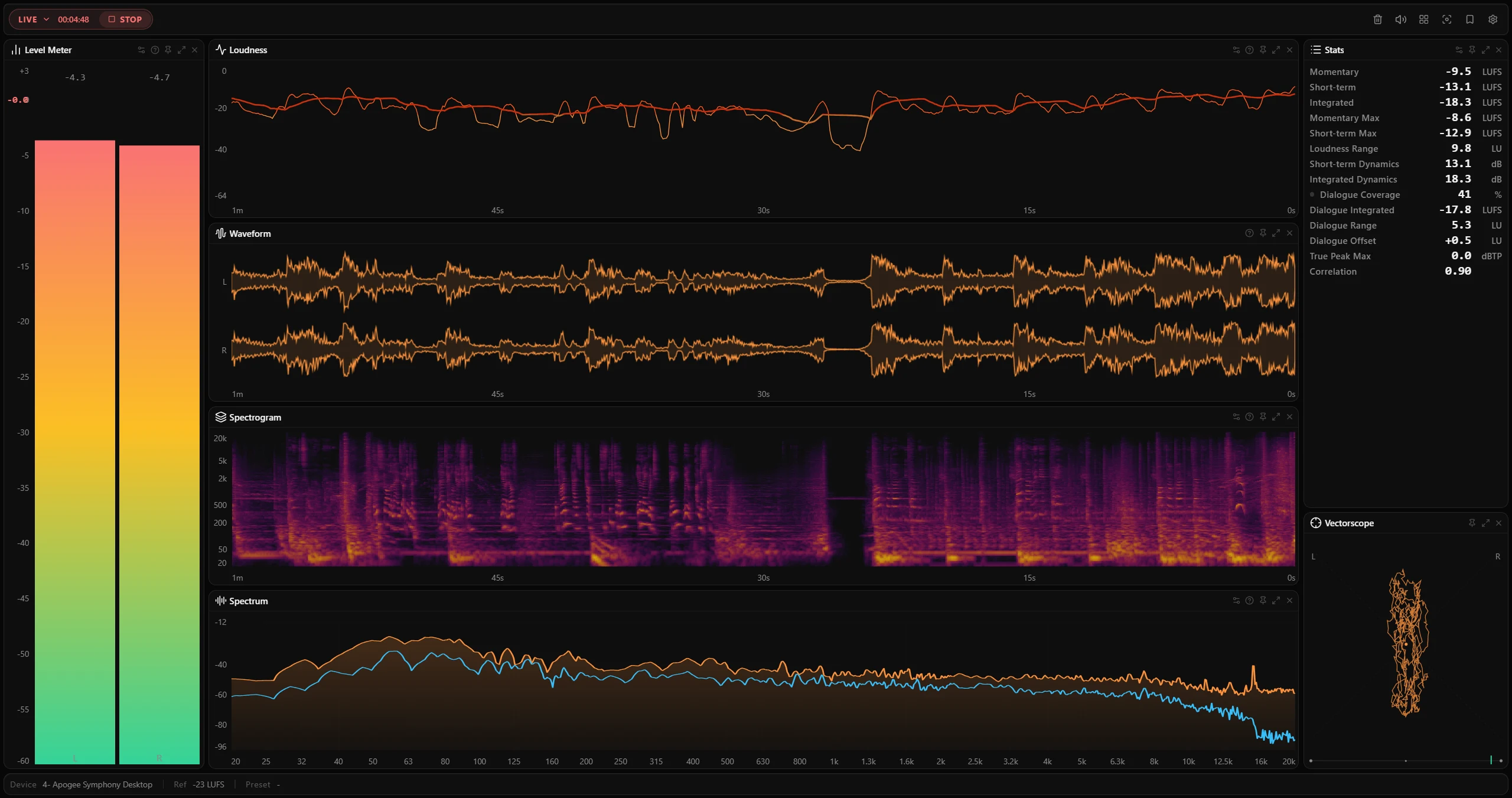
Keep metering in view while your main workspace stays focused.
Level, shape, motion, and balance remain easy to scan.
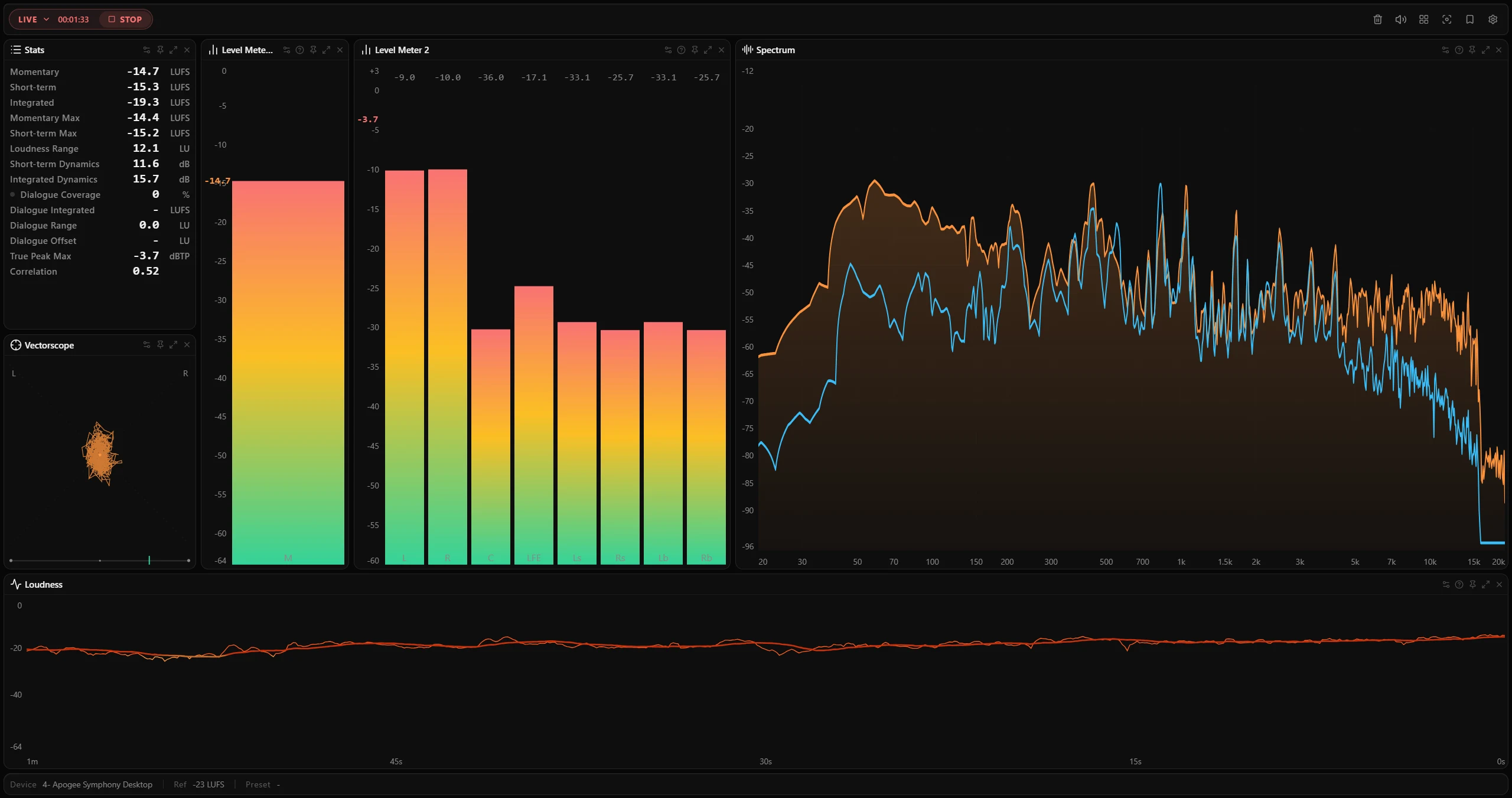
Arrange the workspace around the signal you need to watch.
Level, spectrum, and spatial detail moving in real time.
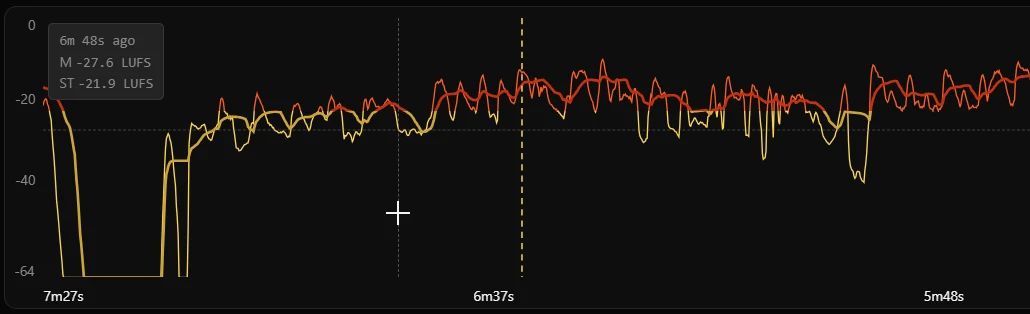
Visual history for inspecting moments and returning to live metering.
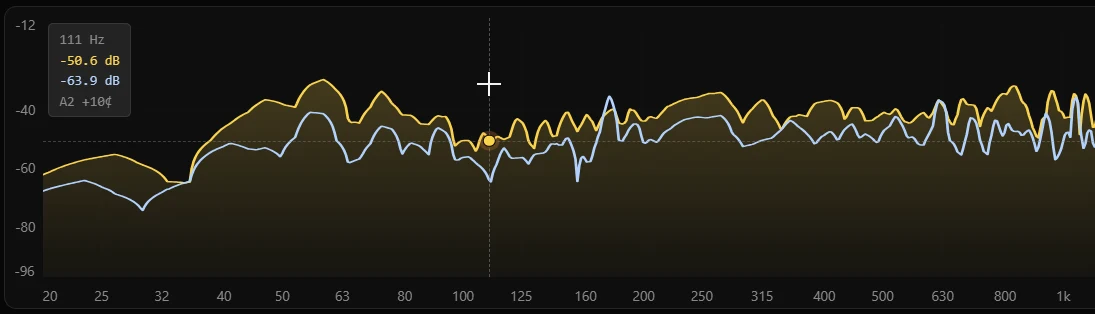
Flexible layouts, compact controls, and focus-ready views.
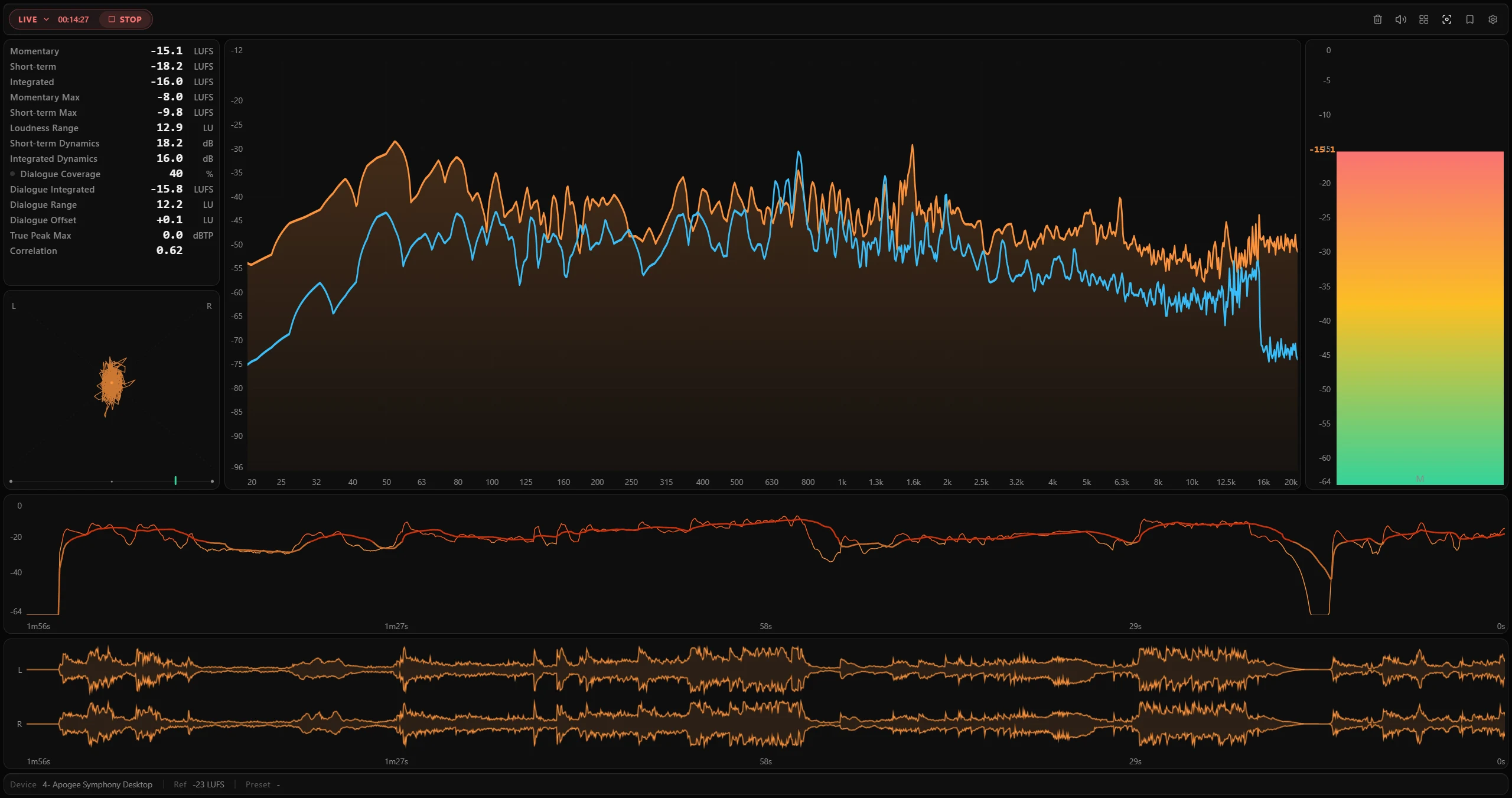
Open a local audio file and inspect it with the same meter workspace.
Get an email when a new PLVS release ships. No spam, unsubscribe anytime.
We use your email only for PLVS release news. See the Privacy Policy.