Dialogue Delivery Review

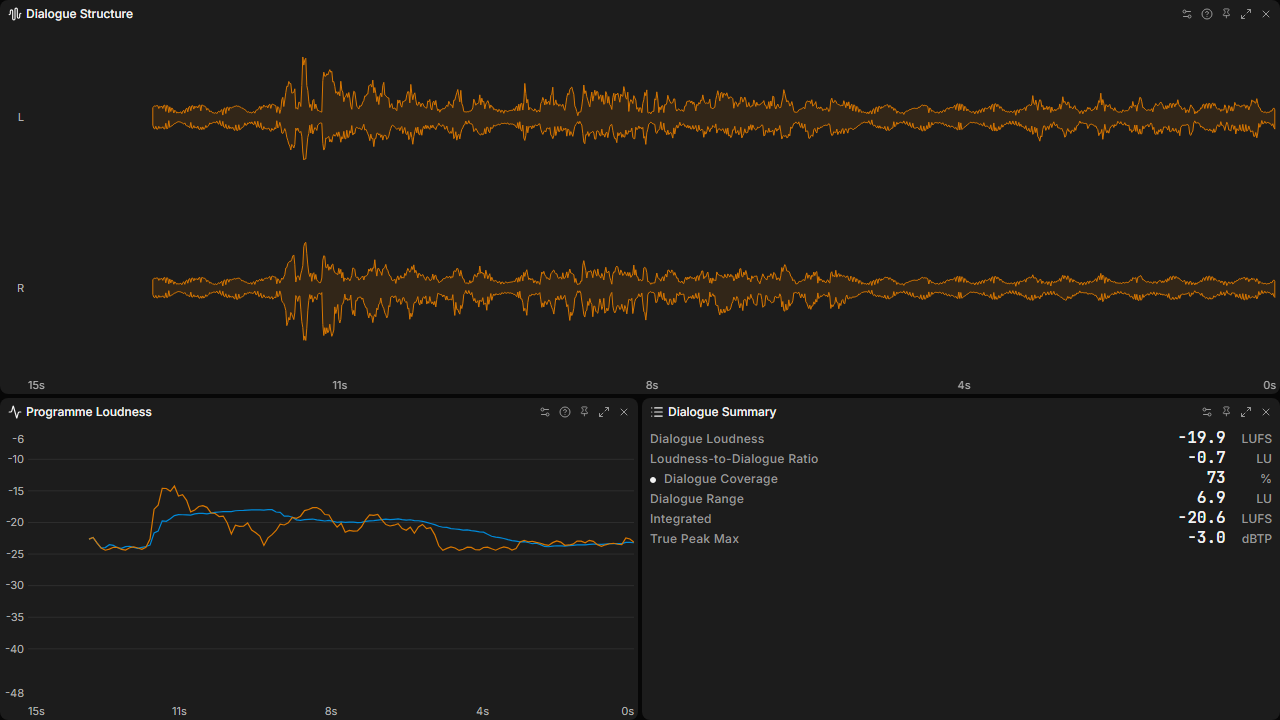
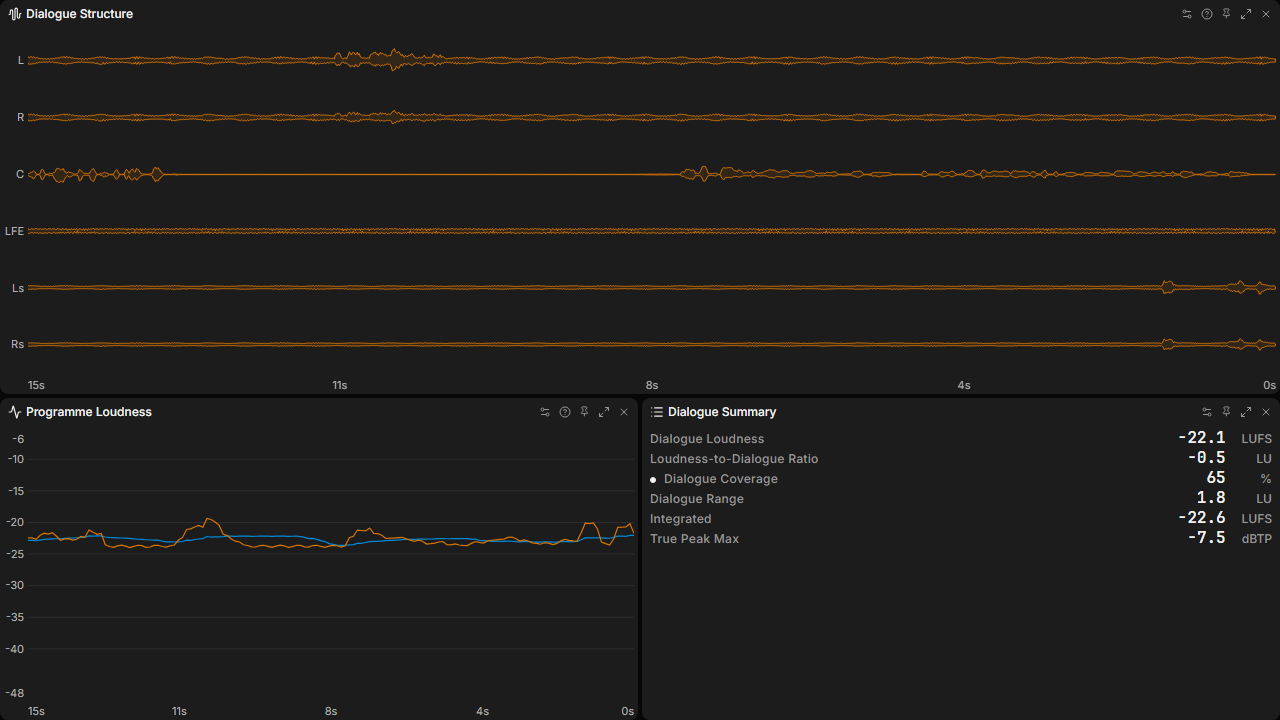
Review spoken delivery and its relationship to the full programme in one workspace. A large channel-aware Waveform preserves dialogue structure and routing context, while linked Momentary and Short-term loudness history sits beside Dialogue Loudness, LDR, Dialogue Coverage, Dialogue Range, Integrated Loudness, and True Peak. Stereo and 5.1 previews use PLVS's dialogue benchmark to show antiphase, centre, off-centre, and surround speech handling.

DialogueSpeechLoudnessBroadcastMultichannel

Release 1Requires PLVS 0.20.0+

Download

How to Use

Copy Preset, then paste in PLVS outside a text field to review the import.

Or download the file and choose Settings → Saved Items → Import….

Confirm the import, then apply the Preset from your Library. Importing does not apply it automatically.

Details

Workspace Panels
3
Modules
Loudness, Stats, Waveform
Dock
Off
Loudness Profile
Off
Always On Top
Off
Focus View · Auto Hide Controls
Off
Focus View · Compact Panels
Off
Focus View · Borderless
Off
Panel Opacity
100%
Glass
Off
File Size
3,483 bytes
File Checksum

sha256:f2efd9c87f44137d40c837c2aae2a0ee0ce2d591d329b8d36c11034501994ebf

Panel Settings

Settings saved in this file. Omitted controls use PLVS defaults.

Dialogue Structure Waveform
Frequency Color
Off
Centroid
Off
Axes · Time · Linked
On
Axes · Time · Time Window
15 s
Programme Loudness Loudness
Layers
Momentary, Short-term
Grid
On
Loudness Range
−48 to −6 LUFS
Axes · Time · Linked
On
Axes · Time · Time Window
15 s
Dialogue Summary Stats
Metrics · Visible
Dialogue Loudness, Loudness-to-Dialogue Ratio, Dialogue Coverage, Dialogue Range, Integrated, True Peak Max
Metrics · Order
Dialogue Loudness, Loudness-to-Dialogue Ratio, Dialogue Coverage, Dialogue Range, Integrated, True Peak Max, Momentary, Short-term, Momentary Max, Short-term Max, Loudness Range, Short-term Dynamics, Integrated Dynamics, Correlation, Side/Mid

Release History

Release 1

2026-10-14 · published

Initial official release.